Local AI vs Cloud: privacy, power and real limits
Local AI vs AI in the Cloud: privacy, power and real limits
When talking about local AI vs AI in the cloud, there are two thoughts that repeat too much:
“Local AI is only for geeks and companies.”
“The cloud is safe, tell it anything.”
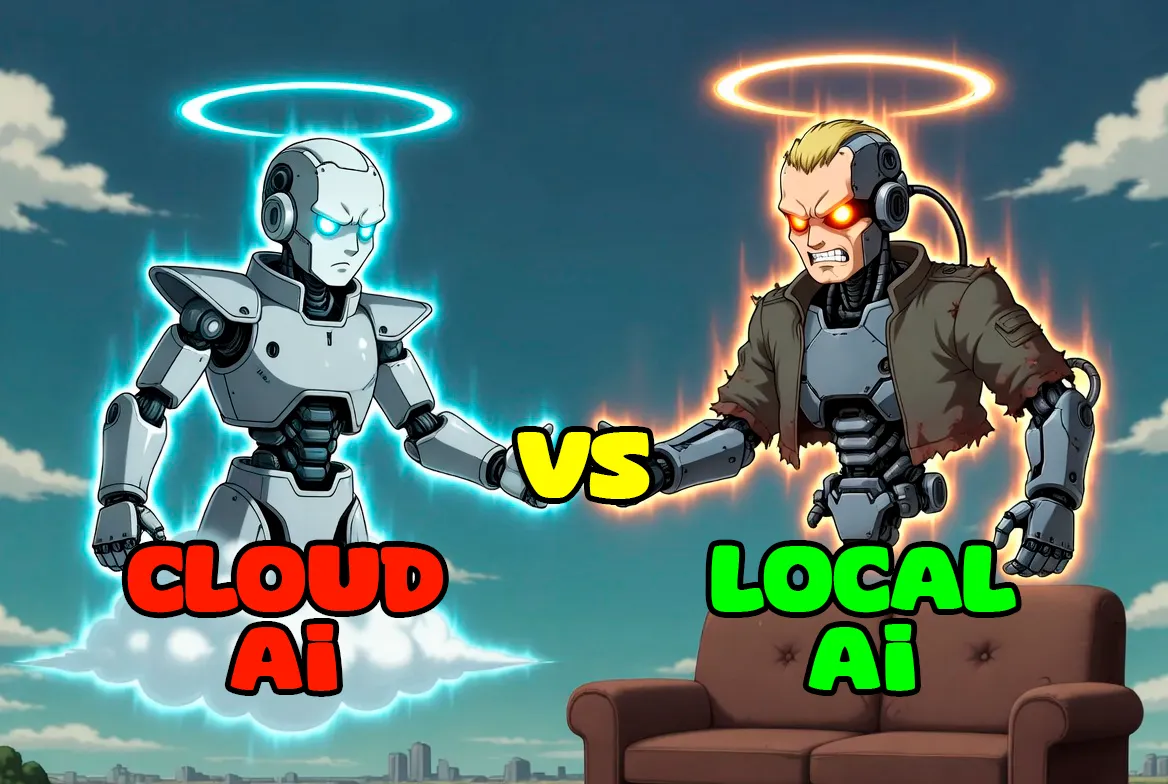
Both are wrong.
AI in the cloud, with models like GPT-5.1, modern versions of Claude, Gemini or video systems like Grok, is doing spectacular things: very deep reasoning, complex code, huge contexts, advanced multimodal analysis, coherent generative video…
But at the same time, local AI has evolved brutally thanks to open-weight models like Llama, Qwen3, Gemma 2, DeepSeek V3, GPT-OSS and company. All of them allow having real power on your own equipment with different levels of demand.
The current photo is this:
- Cloud continues winning in maximum power.
- Local AI wins in privacy, control and autonomy, and covers a lot more ground than people imagine.
Let’s get to the point: what each approach does, what it doesn’t do, and which GPU you need to truly take advantage of local AI.
What is AI in the Cloud and what is Local AI
AI in the Cloud
Your prompt travels to external servers where giant models live.
Advantages:
- Immediate access to models like GPT-5.1 Pro/Thinking, unattainable for any home GPU.
- Integrated tools: browsing, web analysis, vision, audio, complex assistants.
- Zero installation.
Disadvantages:
- Your data leaves your machine.
- Total dependence on the provider.
- Inevitable latency.
Local AI
You execute the model on your own hardware:
- Llama, Qwen, Gemma, DeepSeek, GPT-OSS and others coexist perfectly locally.
- You can load them with Ollama, LM Studio or another local server.
- Nothing leaves your PC unless you want it to.
Advantages:
- Real privacy.
- Immediate response.
- No quotas or usage limits.
Disadvantages:
- Your VRAM dictates.
- The world’s largest models remain out of your reach.
Privacy, speed, costs and dependence
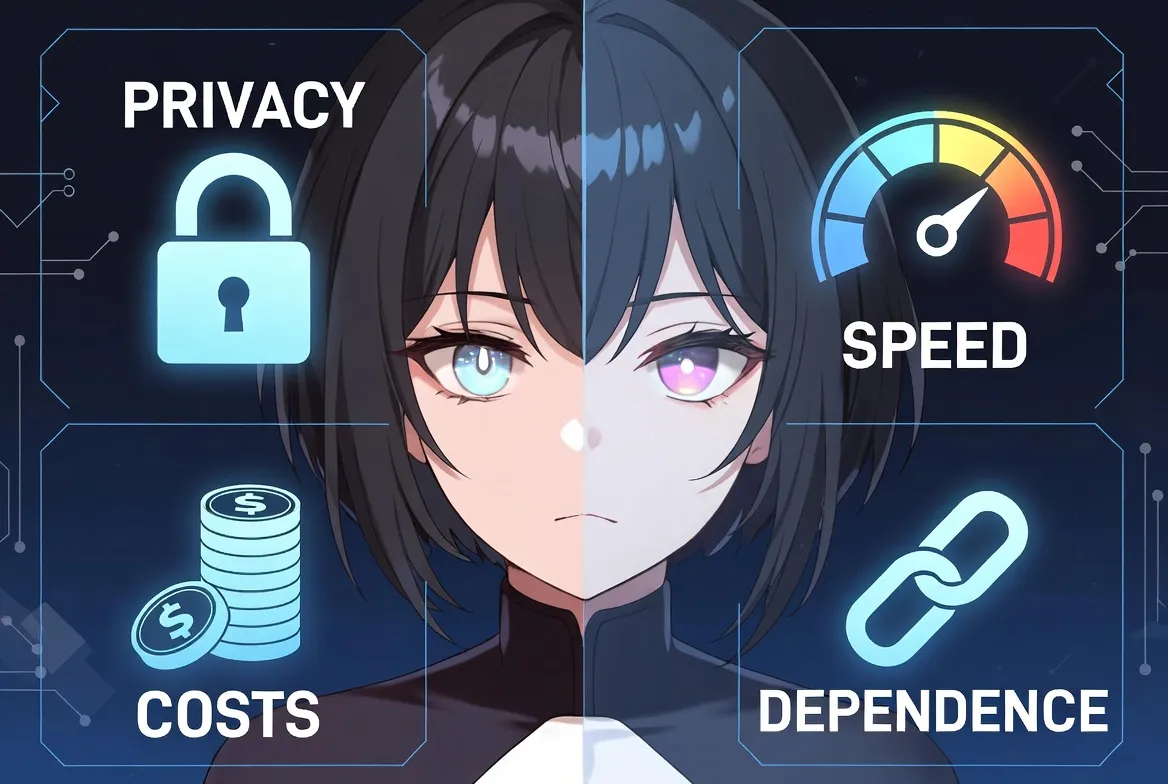
Privacy
In the cloud your data can be stored temporarily or affected by legal policies.
In local, your data does not leave your disk.
Speed
- Cloud: there is always a round trip.
- Local: if the model fits well in VRAM, the response is almost immediate.
Costs
- Cloud: subscription + tokens.
- Local: hardware once and done.
Dependency
- Cloud: if terms or prices change, you endure it.
- Local: you set the rules.
Local AI without GPU: possible, but very limited
It works, yes… but only for:
- Basic chat
- Simple explanations
- Small code assistance
For long documents, serious reasoning, complex programming, modern image or generative video, you need GPU.
So let’s go with the important stuff.
What you can run according to your GPU
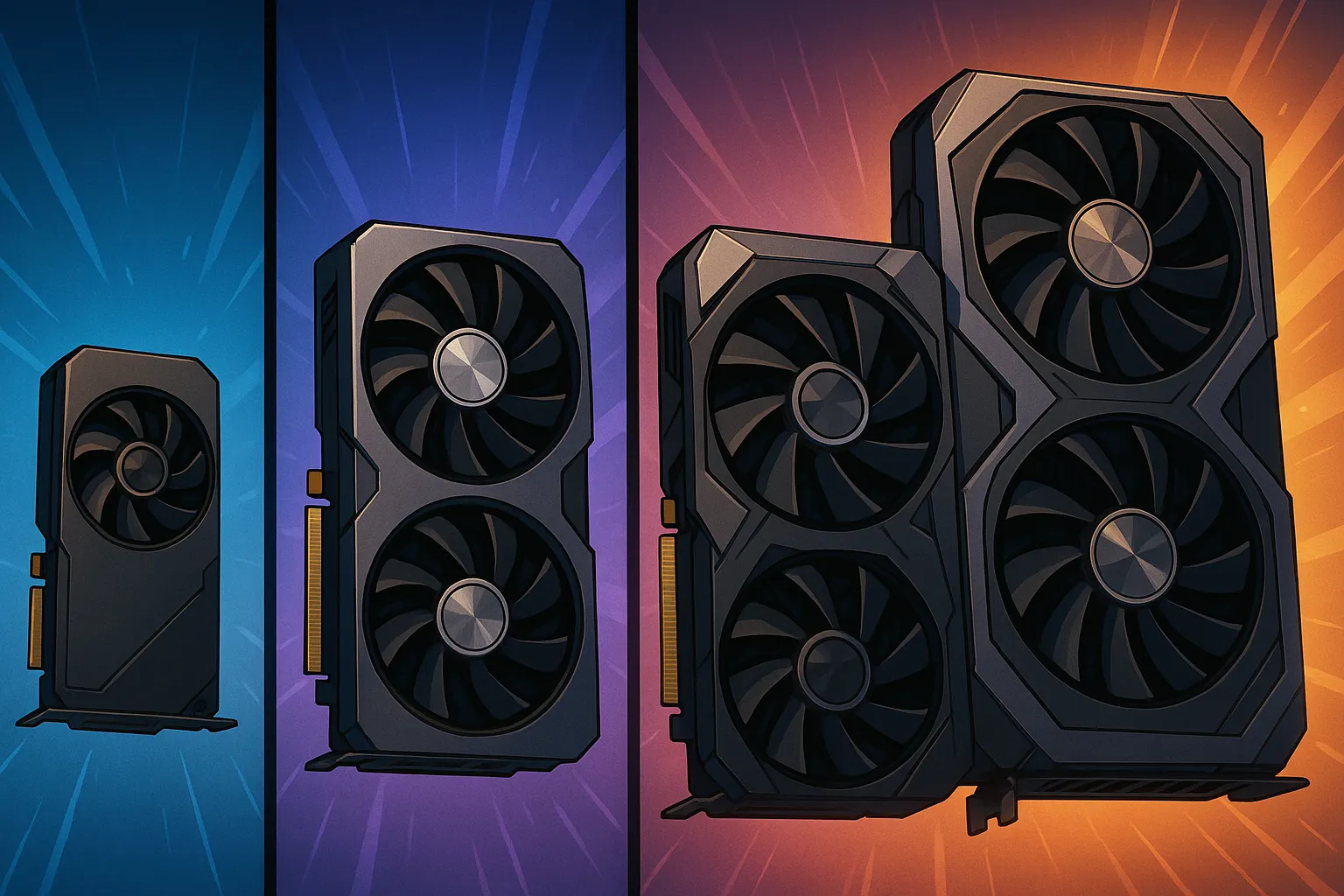
Divided into three leagues:
- 8 GB of VRAM (older generation)
- 12 GB of VRAM (stable current generation)
- 24 GB or more (4090, 5090, serious workstations)
1) 8 GB GPUs (RTX 2060 / 2070 / 2080 / 2080 Super / 3060 8GB…)
An older PC, but still very capable.
Text: perfectly usable models
With 8 GB, using appropriate quantization, they work very well:
- Llama (latest generations) of 8B
- Qwen3 small and medium
- Gemma 2 compact versions
- DeepSeek V3 small

Large models like the 20B ones can work too:
- In 2080 Super type GPUs, a ~20B open-weight model (e.g.: 20B variants of Qwen, GPT-OSS, etc.) works surprisingly well in 4-bit.
- Some load is distributed between VRAM and RAM without killing performance.
- Allows advanced programming, medium reasoning and long documents.
This places 8 GB GPUs (“high-end”, e.g. 2080 Super) in quite a sweet spot for functional local AI.
Image in 8 GB

- Stable Diffusion 1.5 → works perfectly.
- SDXL → usable with optimizations.
- Light FLUX → viable.
Video in 8 GB
Limited to:
- Interpolation
- Upscaling
- Very short experimental clips

It’s not even close to advanced cloud generative video.
2) 12 GB GPUs (RTX 3060 12GB, 4070, 4070 Super…)
This is the most balanced range for modern local AI.
Text: models very superior
With 12 GB you can move:
- Llama 8B–13B without hassle.
- Qwen3 medium, excellent for code.
- Gemma 2 medium sizes, very balanced.
- Cut variants of large models (DeepSeek, Mixtral, etc.) in optimized quantizations.
- ~20B open-weight models with real fluidity, without suffering from odd latency spikes.
This already allows you to:
- Serious programming
- Powerful RAG
- Local agents
- Long high-quality writing
Image in 12 GB
- Fluid SDXL
- Standard FLUX
- Multiple ControlNet at once
- Professional creative projects without cloud
Video in 12 GB
You can do:
- Coherent clips of 1-2 seconds
- Motion LoRA
- Creative loops
However, far from the quality of advanced cloud video systems.
3) 24 GB or more GPUs (RTX 4090, RTX 5090…)

Here local AI starts to deploy serious muscle.
Text: large models and advanced setups
With 24 GB+ you can:
- Execute Llama 70B in high quality quantization
- Serve 20B open-weight models without effort
- Experiment with 100B+ open-weight models in multi-GPU or partitioned setups
- Use Qwen, DeepSeek, Gemma 2 in their large configurations
This already covers:
- Very high-level programming
- Solid reasoning
- Enterprise RAG
- Complex fully offline agents
You cannot reach GPT-5.1, but autonomy is brutal.
Image with 24-32 GB
Here you fly:
- SDXL and FLUX in maximum quality
- Training of heavy LoRAs
- Complex pipelines: pose, depth, segmentation, sketch, semantics
- Very fast iteration, professional quality
Video with 24-32 GB
What you CAN do:
- Coherent clips of 2-4s
- Very interesting experimental animations
- Short projects for networks and content
What you CANNOT do yet:
- Long video
- Complex coherent movements
- Quality of systems like Grok-Video
Cloud continues ahead in cutting-edge video.
Local AI vs AI in the Cloud: when to choose each one?

Local AI Wins
- When privacy truly matters
- When handling internal or sensitive documents
- When you need independence and continuity
- When you want to automate tasks without quotas
- When seeking minimum latency in your workflow
- When you don’t want to depend on the whims of a huge company
Cloud Wins
- Extreme reasoning
- Huge context
- Integrated tools
- Vision + audio + browsing + web analysis
- Advanced generative video
- Projects requiring titan models
Final comparative table
| Factor | IA Local | IA en la Nube |
|---|---|---|
| Privacidad | Máxima | Limitada |
| Velocidad | Instantánea si cabe en VRAM | Depende de red |
| Coste | Casi cero tras comprar hardware | Tokens / suscripción |
| Modelos | 7B–70B (más según setup) | Modelos gigantes como GPT-5.1 |
| Imagen | SDXL, FLUX, LoRAs locales | Modelos cerrados avanzados |
| Vídeo | Clips cortos | Sistemas avanzados tipo Grok-Video |
| Control | Total | Nulo |
How to start according to your GPU
8 GB
- Text: Llama 8B, Qwen 7B, 20B open-weight models on powerful GPUs like 2080 Super
- Image: SD1.5 / Adjusted SDXL
- Video: basic
12 GB
- Text: 8B-13B, Qwen medium, fluid 20B models
- Image: Fluid SDXL, FLUX
- Video: 1-2s
24 GB+
- Text: 70B and large configurations
- Image: FLUX and SDXL at max
- Video: 2-4s
It’s not AI vs AI… it’s Control vs Dependency
Cloud is brute power.
Local AI is personal power.
What’s smart today is:
- Use cloud only when you truly need extreme muscle,
- And use local for everything that matters at the level of privacy, continuity and autonomy.
If you want to keep going down this rabbit hole you have more related articles in TechLab and Tutorials:
Tutorial Guide for Installation and use of LM Studio for local language models
Guide – Tutorial Installation of Flux with Pinokio
How I used an AI to create an AI that created spy software with AI