Interface to Connect Any Radio to a Computer
Hello everyone!
One of the most common questions when you get started with digital radio modes is how to connect the radio to the computer. In many cases, the mistaken idea that it is something very complex is enough to put people off.
For many years now, most amateur radio gear has offered a CAT connection to hook it up to a computer. If you are a licensed operator and your rig has this kind of connection, you will most likely be able to use most programs without trouble, taking advantage of that interface with no hassle.
But what happens if your amateur gear — a 10-meter rig, for example — does not have a CAT connection? Or if you want to experiment with digital modes on license-free frequencies like CB or PMR?
For those cases, I am going to explain how you can connect your radio to the computer using an external interface.
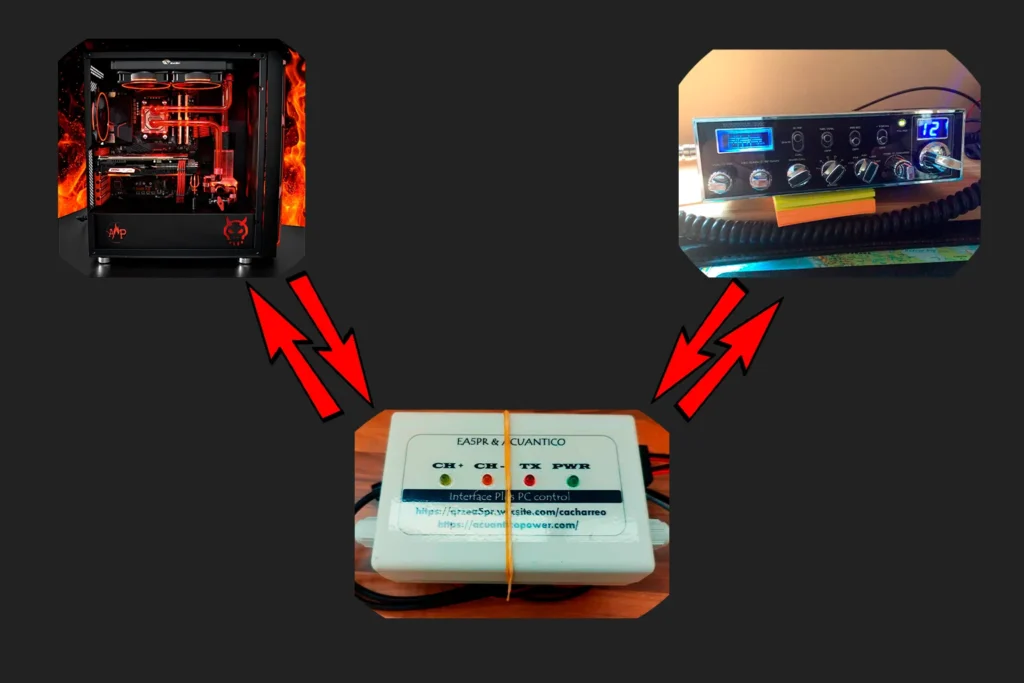
As I said, radios with a CAT connection let you run plenty of commands from the computer: change mode (USB, LSB, AM, FM, CW), tune to the frequency you want, route audio between the radio and the PC, key the PTT, apply filters, and more.
That said, most programs used for digital modes also offer a simpler kind of connection, based mainly on two functions: routing the audio and keying the PTT. Audio goes through a sound card, and the PTT uses a USB connection that relies on the RTS/DTR protocol (RTS being the one we care about) to toggle an on/off relay.
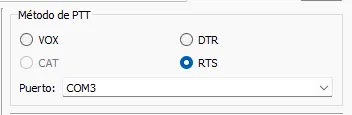
The glue that joins the radio to the computer
With a very simple external interface, we can use this kind of connection to hook up practically any radio.
There are plenty of interfaces on the market, from the most basic ones to complex solutions at fairly steep prices. Sometimes, finding an interface that works with a particular radio is almost mission impossible.
If you are handy or you enjoy tinkering, there is also plenty of documentation online for building one yourself.
I am going to tell you about the ones I know, have tested and trust: the ones built by my friend EA5PR.
I have several interfaces made by him. One for the Jopix 1000, which the whole development of IRCB was based on; another for a walkie-talkie that works over VOX; and, above all, the one I am most excited about: the latest one I received, which, on top of routing the audio and controlling the PTT, also lets you change channel and turn the radio on or off.
To order one of these interfaces, just contact Rubén directly on WhatsApp and ask for a custom interface for your radio. He will adapt it to your rig’s specific connections and ship it to your door.
Build process
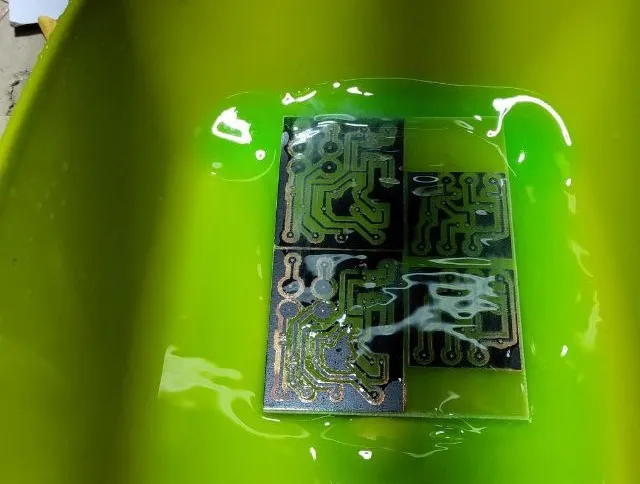
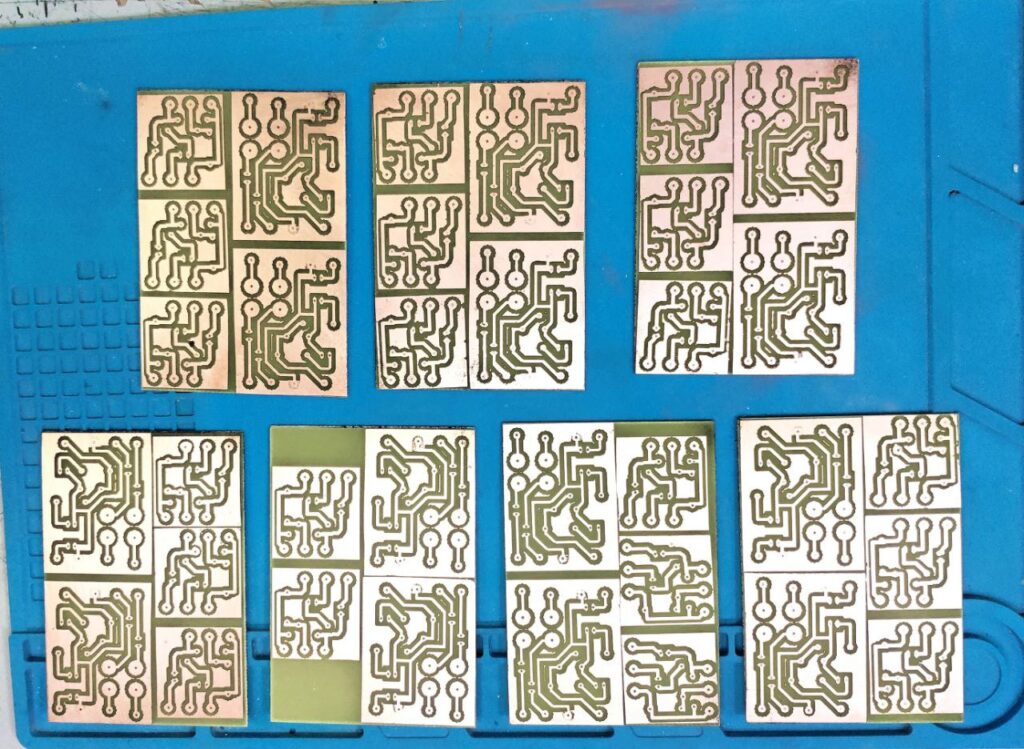
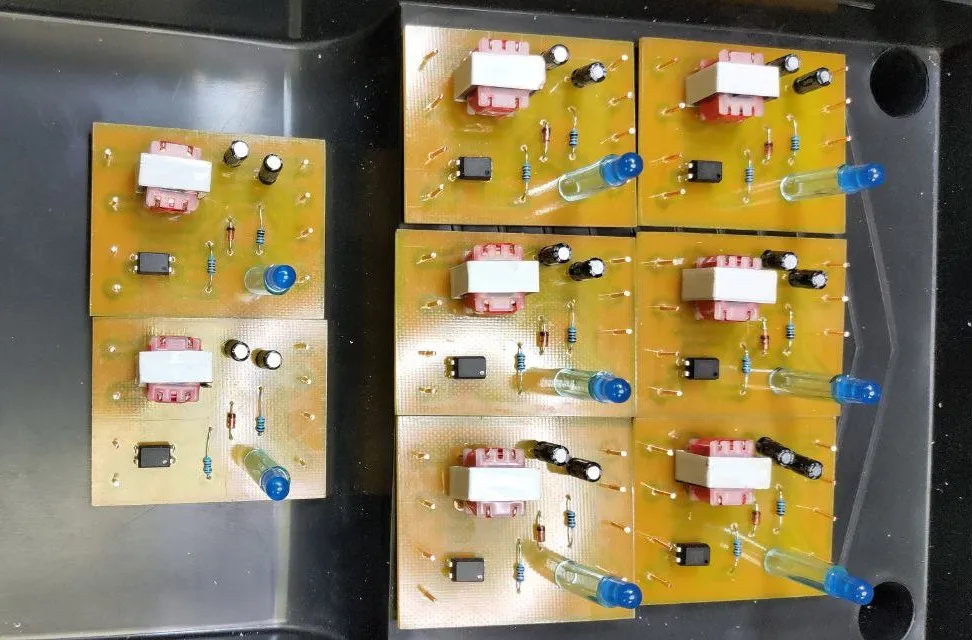
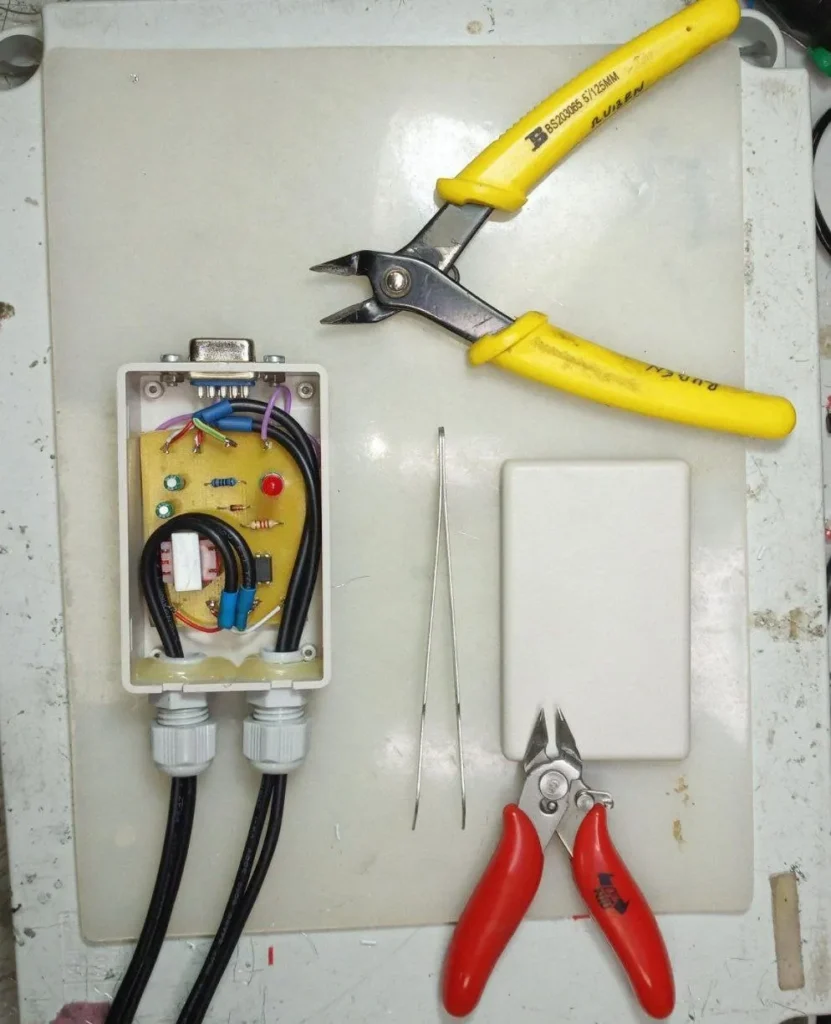
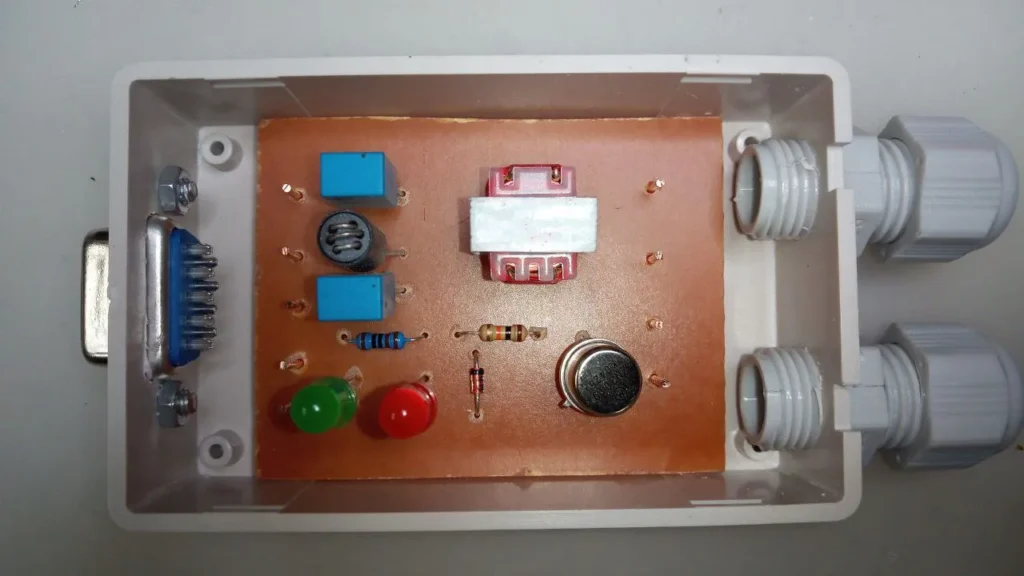
A few types of interface
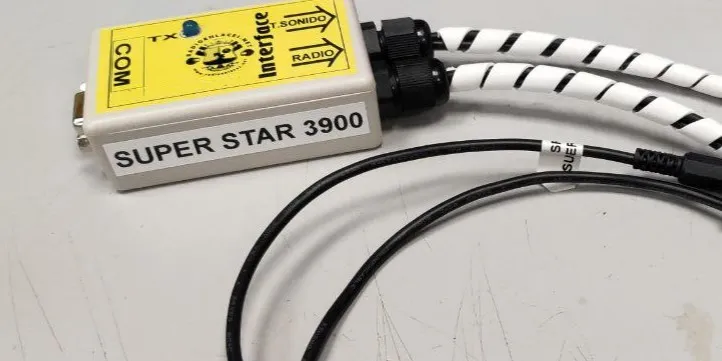
Interface for the Super Star 3900 and similar, with a COM port adaptable to USB
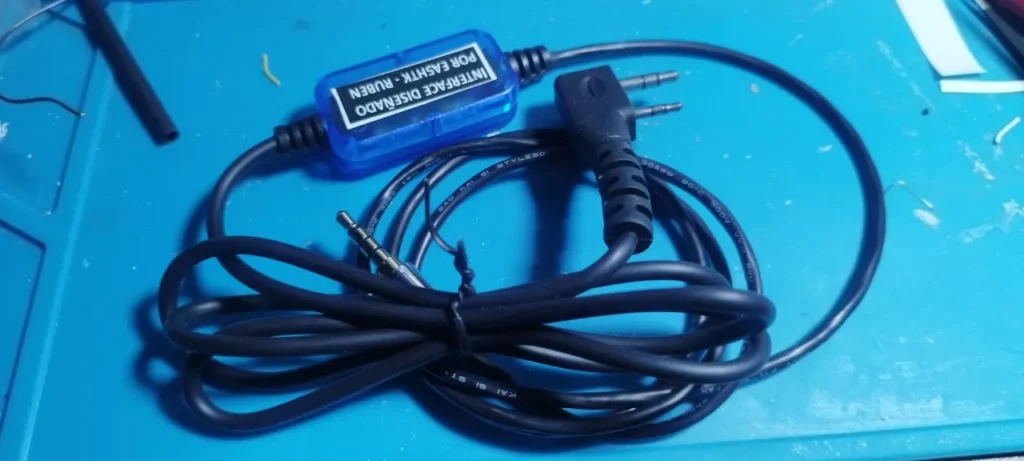
Interface for Baofeng walkie-talkies and similar. Works over VOX.
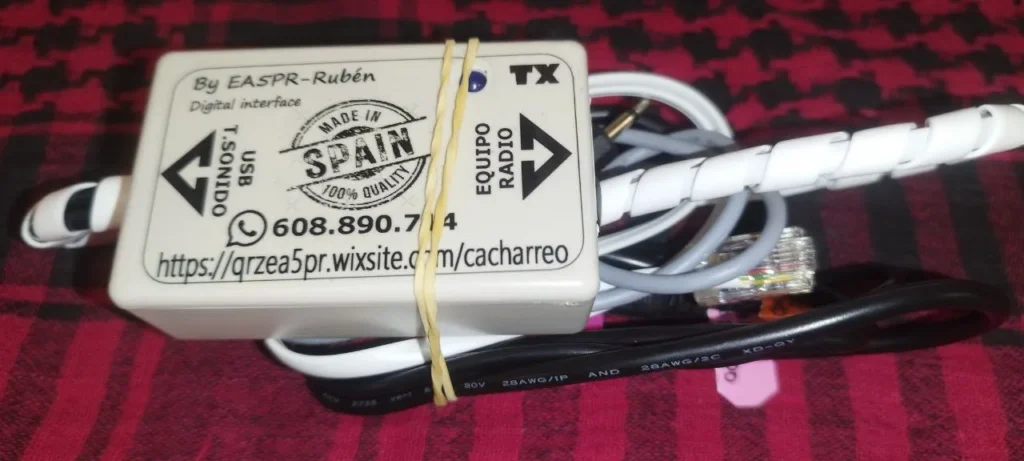
Interface for the Anytone 5555 N II USB
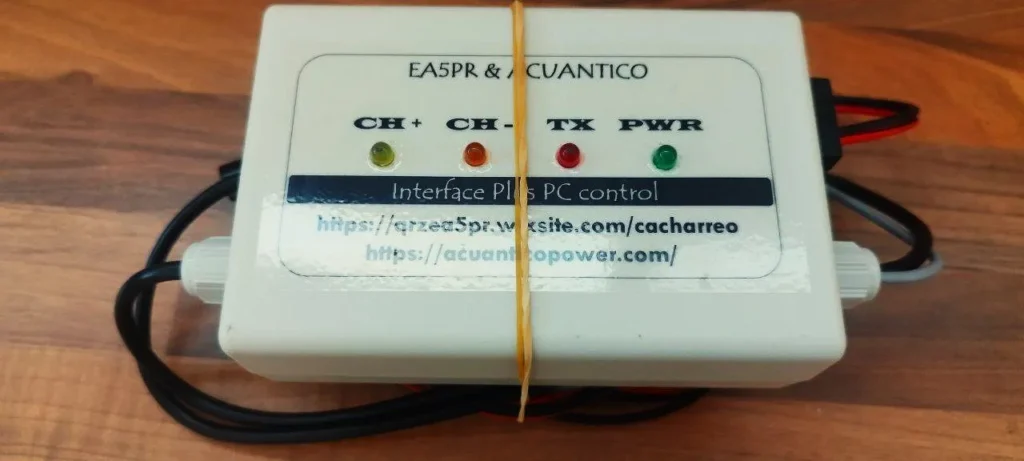
Interface for the Anytone 5555 Plus (or clones) USB, with channel switching and on/off
Connections and wiring
The connection can vary a little depending on the interface or the radio, but as I said earlier, it basically comes down to this:
On the computer:
- A USB cable for PTT control.
- A jack going to the sound card input, carrying the audio from the radio.
- A jack going to the sound card output, carrying the microphone audio to the radio.
On the radio:
- A connector that replaces the radio’s original microphone.
- A jack connected to the speaker’s auxiliary output.
The connection is quick and simple, and takes only a few seconds to plug in or unplug.
Installing the necessary drivers on the PC
For your interface to work properly with the radio software, you need to make sure your operating system recognizes it without any trouble.
With some models, the system installs the right drivers automatically the first time you plug the interface into the computer. In other cases, you will have to install the drivers by hand. You can look for them online or, if you have one of Rubén’s interfaces, ask him for them directly.
Once the operating system has recognized the interface correctly, for the PTT-control side you will also need to set up the sound card from your operating system’s own audio settings.
The gateway to a much wider world
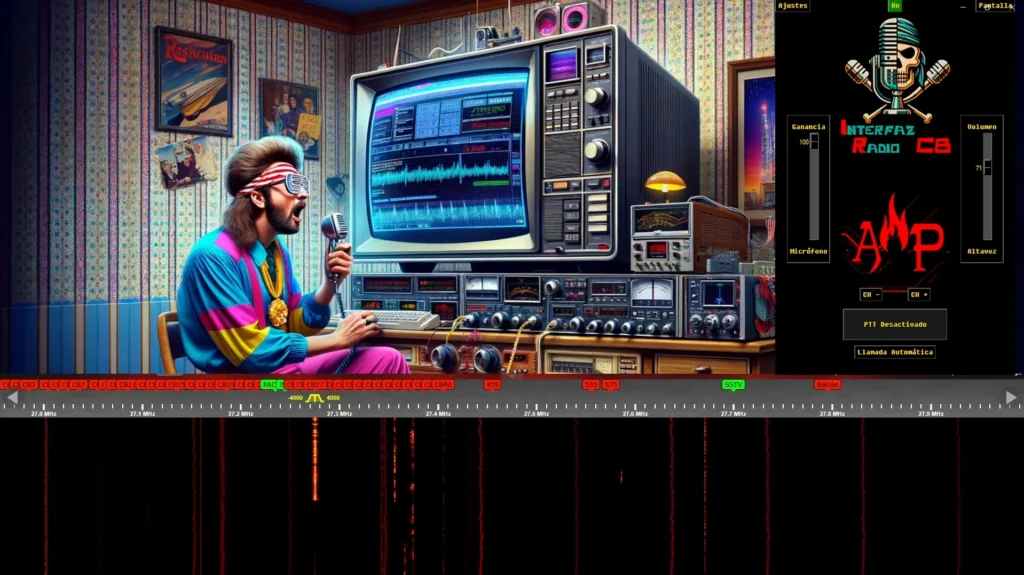
With these interfaces you can not only use most of the digital-mode programs out there, you also get features your radio may not include out of the box: audio equalization, noise suppression, recording your QSOs or DX with OBS, remote operation of the radio… and anything else your imagination — or the community’s — can come up with.